The Best Free Resources for Learning Graphic Design
So, if you want to become a graphic designer but don’t have the budget for expensive courses, you’ve come to the right place. I’ll tell you how you can become a professional graphic designer without any expensive courses. Now, you might be wondering, "How?" Well, the answer is simple—this is the age of the internet, and you can learn anything online, from Photoshop tricks to designing logos in Illustrator—without spending a dime. Here are some of the best free resources to get you started:
3/25/20252 min read
1. Canva Design School
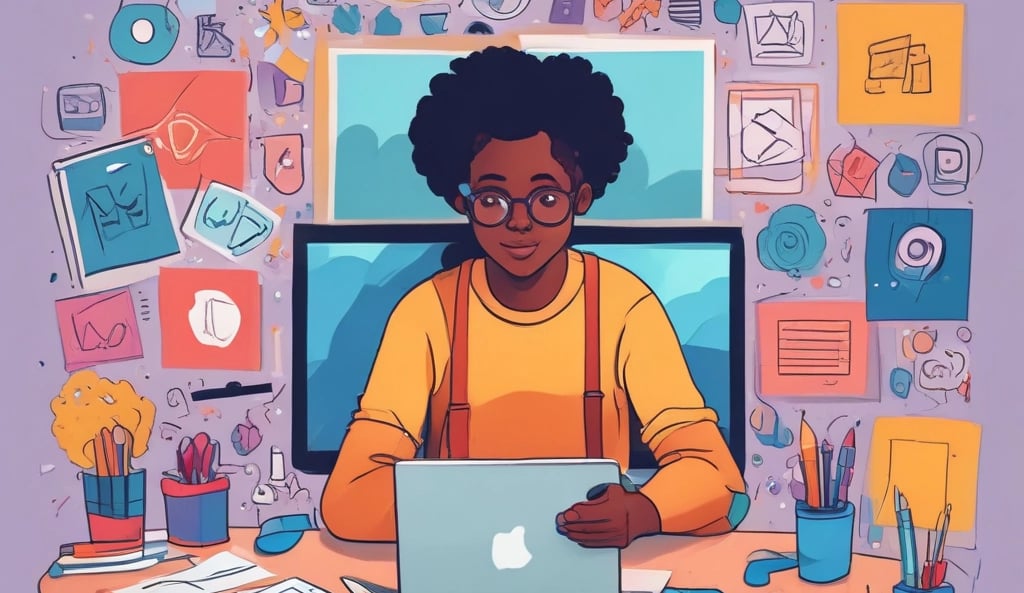
So, you've finally decided to become a graphic designer! Welcome to Canva Design School—a fantastic place to start. Here, you'll find bite-sized yet effective lessons on fonts, layouts, and branding, all presented in an easy-to-follow format. And yes, one more thing—Canva itself is a super beginner-friendly tool where you can effortlessly create posters, social media posts, and presentations!
2. YouTube
It is impossible for me not to mention YouTube when talking about free and premium high-quality resources. Here are some top-quality channels for graphic designers :-.
GFX Mentor – A fantastic choice for Photoshop and Illustrator tutorials.
Dansky – Perfect for step-by-step design projects.
Spoon Graphics – If you love retro and vintage design styles, this one's for you!
A quick search like "How to create a logo in Illustrator" will lead you to hundreds of free lessons.
3. Coursera & Udemy (If You Look Closely!)
I know these two platforms are famous for their paid courses, but they also offer free ones! Just search for 'graphic design' on Coursera and Udemy, then filter by free courses—you'll discover hidden gems on logo design, typography, and UI/UX.
4. Envato Tuts+ – Tutorials for Every Level
Envato Tuts+ is a goldmine for free tutorials. Whether you want to learn Photoshop effects, vector illustrations, or UI design, they have step-by-step guides with clear visuals.
5. Color & Font Resources
Google Fonts – Explore free typefaces and see how different fonts pair together.
Coolors – A super easy tool for creating beautiful color palettes (seriously, you’ll get addicted!).
6. Free Graphic Design Tools
We’ve learned where you can gain knowledge, but now let’s explore where to implement it. Here are some of the best free graphic design tools you can use:
Canva - Best for beginners! Create stunning social media posts, presentations, and logos with easy drag-and-drop tools.
Figma - Perfect for UI/UX design and team collaboration. The free plan offers great features!
Photopea - A browser-based Photoshop alternative that supports PSD files and advanced editing.
Krita - Ideal for digital painting and illustration, especially for artists and concept designers.
Adobe Express - A lightweight version of Adobe’s design tools with easy templates for quick designs.
Time to Start Designing!
You don’t need expensive software or a costly degree. All you need is creativity, patience, and most importantly—consistency. Master these, and you’re on your way to becoming a professional graphic designer. So, dive into these resources, start experimenting, and most importantly—have fun with it!
Unlock creativity with customizable Canva templates today.
contact us
support@templatego.in
© 2025. All rights reserved.